LaneLogic workflow
From video to defensible count data
LaneLogic guides a study from footage and movement definitions through local computer-vision analysis and export-ready results.
Step 1
Set up the study
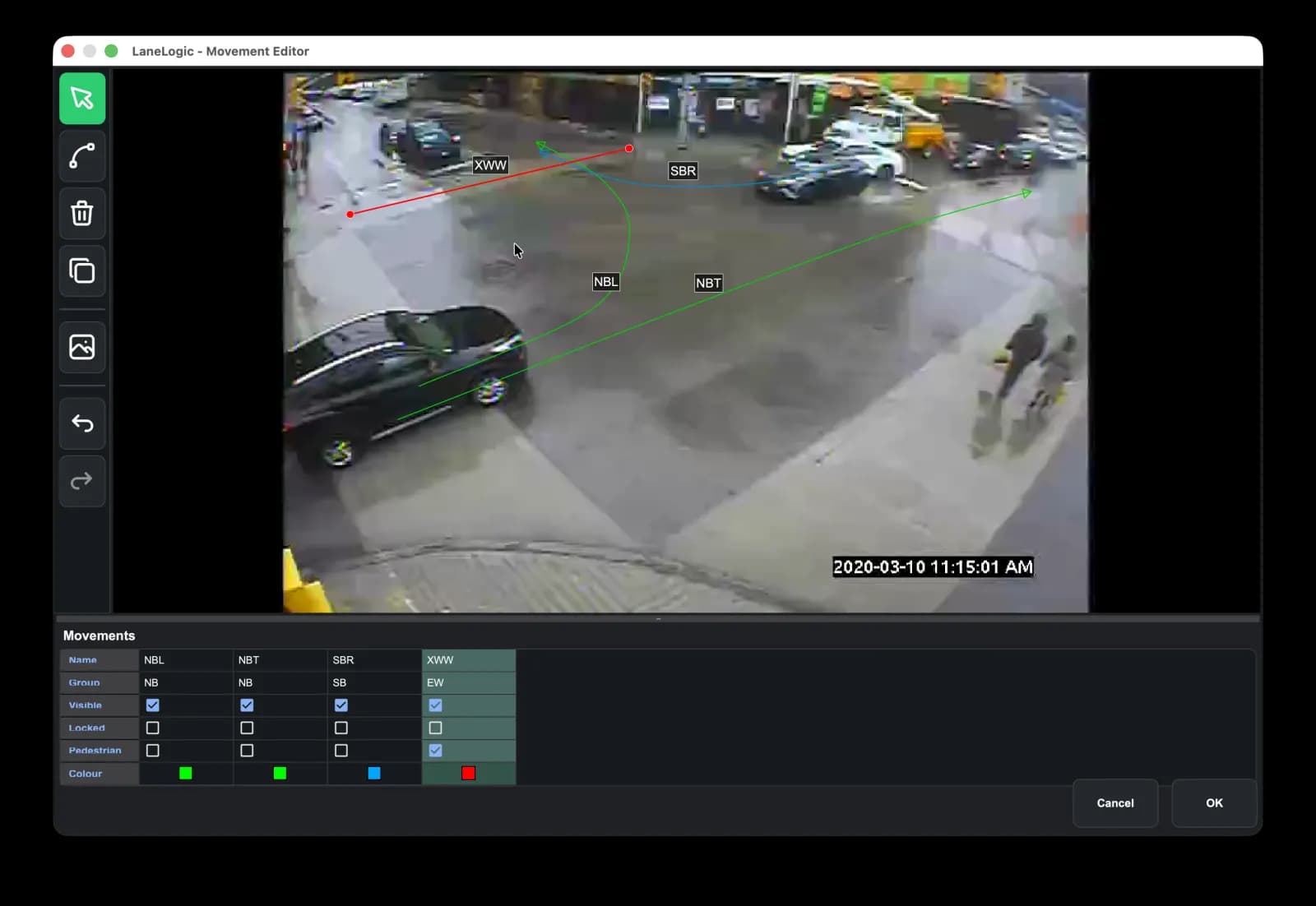
Select the recorded intersection video, enter the project and timing information, and define the movement paths to count.
- Select MP4, AVI, or MOV footage
- Record location, study date, and video start time
- Draw or load saved movement lines
LaneLogic
Oak Street at 4th AvenueVideo file
Study configuration
Movements
Video file
Study configuration
Movements
intersection_video.mp4
Project number
Location
Study date
Video start time
Step 2
Local Processing
LaneLogic uses computer vision to follow vehicle paths through your defined movements. Analysis runs on your hardware, so footage stays with you.
- Local analysis after required models are downloaded
- Start immediately or manage studies in the queue
- Watch progress, processing speed, and counted vehicles
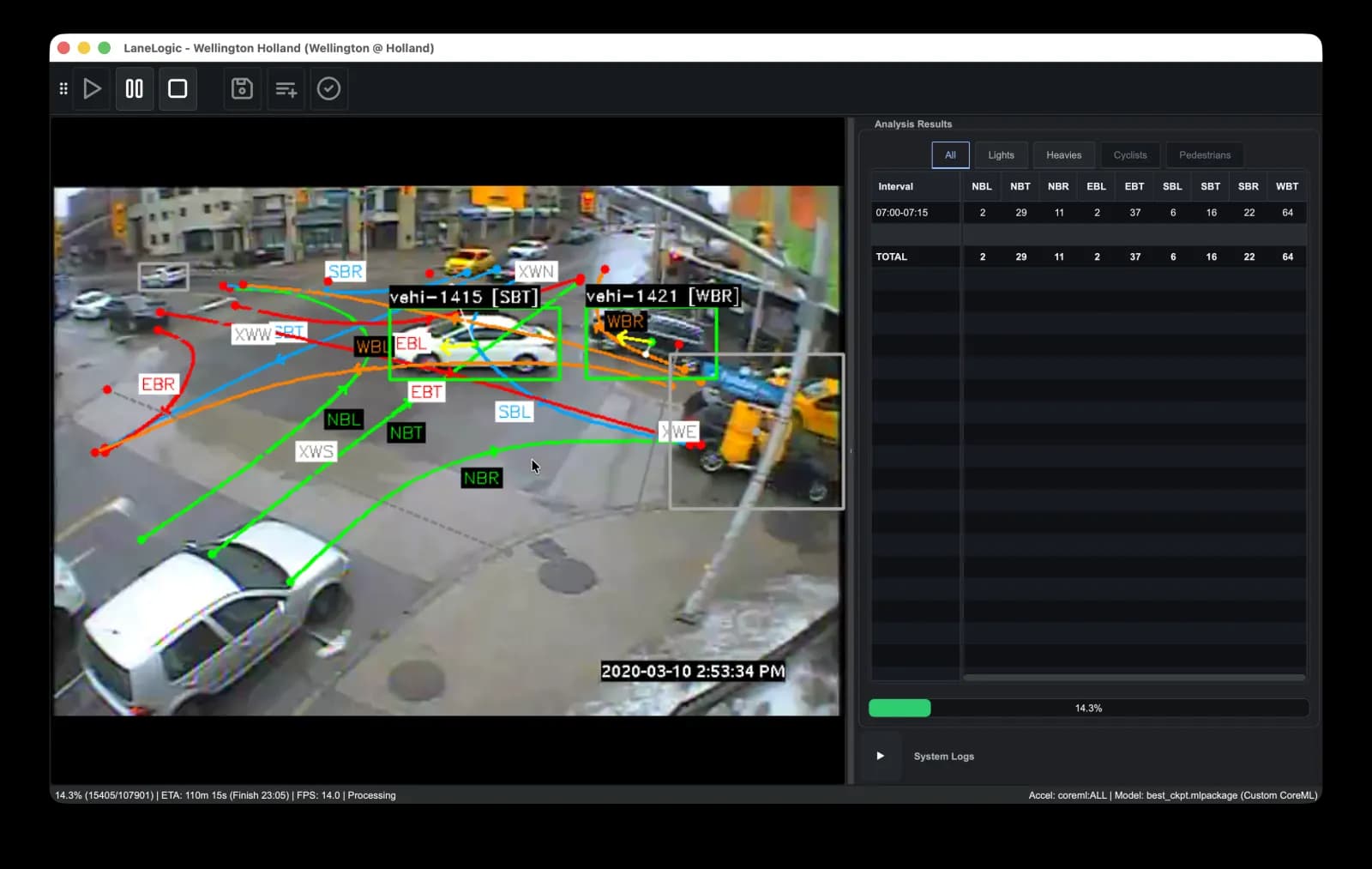
Video provided by City of Ottawa
Step 3
Review & Export
Open the study summary to review movements and quality metrics, then choose an export preset for your deliverables.
- Export to Excel, CSV, or PDF
- Interval matrices, totals, peak-hour and PHF rows
- Quality metrics available for review
Video provided by City of Ottawa